Australian
 Family
 Fast Delivery
 Eco Friendly
Portal Upgrades and Improvements from Version 1
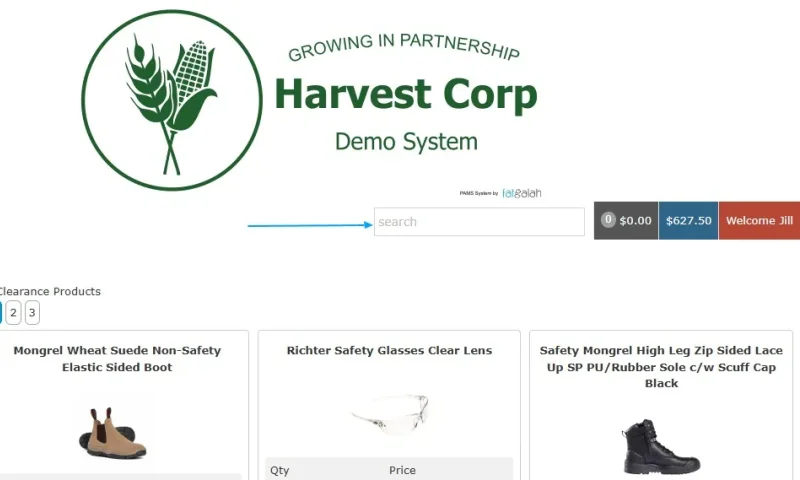
API Interface
The API interface allows you to connect your platform with external systems such as warehouse management, CRM, and other third-party services.
Group's new features
- Show Start Date
- Show/Hidden Start Date in the admin/staff list
- Show Preferred name
- Show/Hidden Preferred Name in the admin/staff list
- Individual Staff Permissions
- This will add a new TAB under Staff to change what that staff member has permission to do
- Show Make Payment
- Show Replacement Menu
- Admin Orders View
- Show PDF button
- Show Archive Person
- Date Range For Report
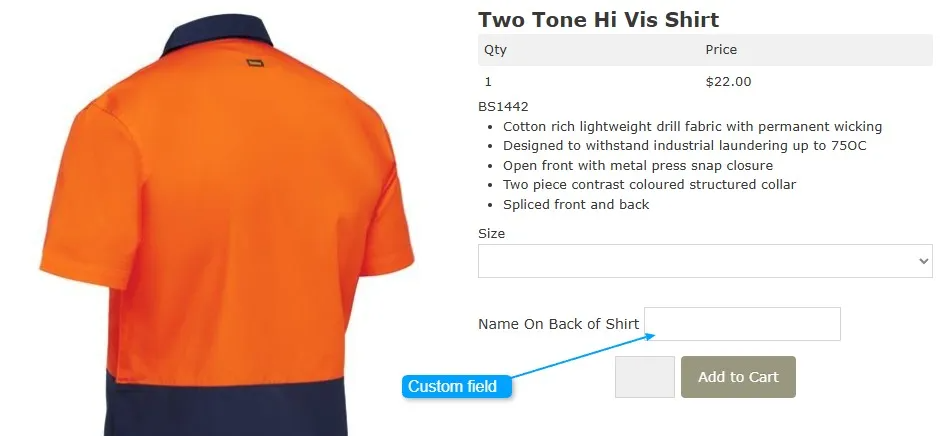
- Custom Product Order Fields
- This allows you to have fields for any product to request other information. ie: name on back of shirt
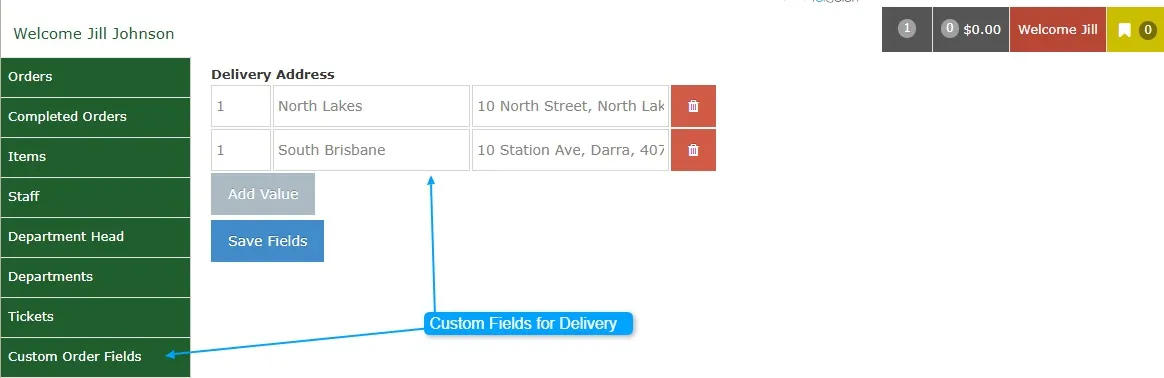
- Custom Order Fields
- This allows you to have fields for the orders. You can also choose whether or not to show these custom fields to the admin staff member.
- Once created, the Admin staff member can add or delete from the custom fields list. ie: delivery addresses - Admin Staff Member Interface
Order CSV
- Being able to setup a CSV for a set export type.
Portal User Interface widget
- Along with the existing Clearance Widget, we have now introduced the new Category Widget.
- All standard inclusions apply, ie: If a staff member does not have access to a product within a clearance category, or if a category widget is used and they lack access to that category, the product or category will not be visible to them.
Portal Staff Interface
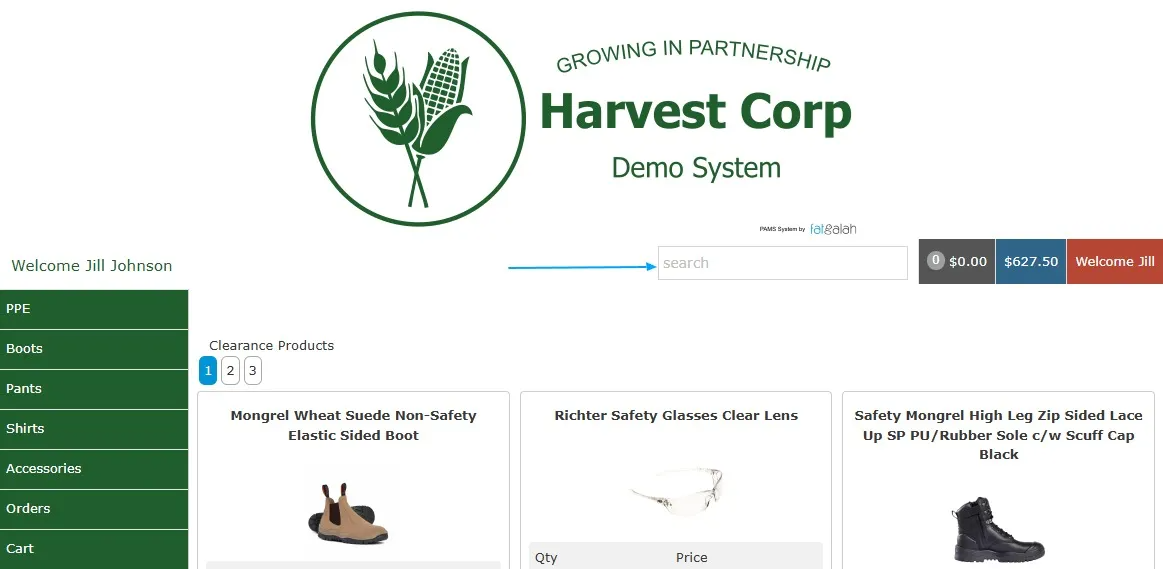
- Mobile responsive
- Search function
Portal Admin Controllers
- Popup Messaging
- What message would you like to be shown to users in a pop-up if they go over the allocation?
- What message should be shown to the staff if they are over the allocation? Example: This order will put you over your allocation. You will need to pay the difference when you receive your order.
- What message should be shown to the staff in a pop-up if they are over the allocation? Example: You are overallocated.
- Show Item Base Price if Alterations are on Cart - Y/N
- Show a dialog to the user after checkout - Y/N
- Show over allocation details on order view - Y/N
- Category
- Visible on front end - Y/N
- Being able to join categories together and show as one.
- Product
- Turn On/Off custom fields
- Attach documents from the Document Loader
- Export/ Stock list
- Export the stock list per portal
- Department
- API Code per department – This enables you to link to financial accounting systems and sync with client files (if the financial program supports it).
- Staff
- Filtering list for Archived and non-active staff
- Staff unique checking system - Stops duplicates
Portal Reporting
Group Totals - Showing the month-by-month spend either by
- All
- Per Portal Group
Items - cleaner view, display items sold
Orders- This screen displays all orders from all portal groups, allowing users to filter the report and open the order for more details:
- Date
- Name
- Payroll
- Portal Group
- Status
- Approval by
- Employee
Total Sales - All or per department
Over Allocations - This report shows any staff who is over their allocations and if they owe monies
Payment
- Hook a payment gateway to any portal through Stripe.
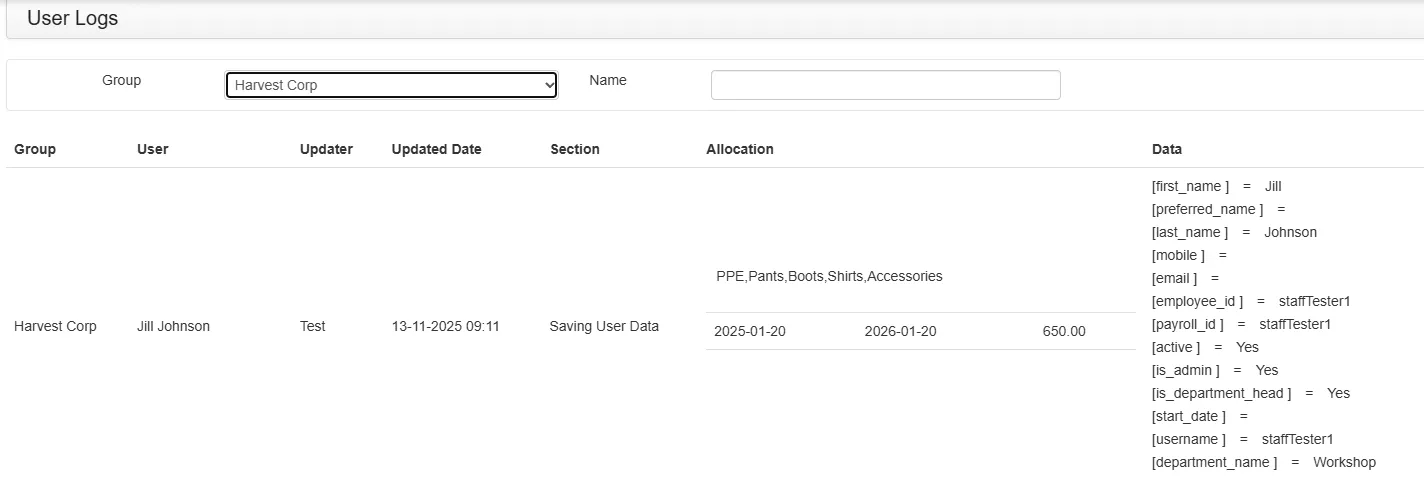
User Change Logs
- This logs any changes to a staff member's profile - mainly used to check allocations.
Support Tickets
Customers and admin staff can lodge a support ticket. If the issue cannot be resolved by the admin staff, it can be escalated to the Fatgalah Support team.
Online Video and Help
- Video channel to answer the most common questions
- Online Help center